
 English
 Español
Claims Processing Systems: A Rollout Plan
A claims processing systems rollout guide covering workflow readiness, knowledge migration, role-based learning, QA governance, and adoption.
Read More
A claims processing systems rollout guide covering workflow readiness, knowledge migration, role-based learning, QA governance, and adoption.

Implementing claims processing systems is not just a technology change. A platform can be configured correctly and still leave teams uncertain about changed queues, documentation steps, or who owns an exception. A successful rollout plans operational decisions, system workflows, and employee readiness together, with clear owners for testing and feedback.
Schedule a Demo to explore how employee-performance workflows can complement your claims operation.
Implementation of claims processing systems includes preparing data and workflows, configuring and testing the platform, assigning governance responsibilities, and helping each role learn the processes it will use. The claims platform remains the core lifecycle record; knowledge, quality feedback, learning, and coaching can support consistent employee execution alongside it.
That distinction helps teams set a practical scope: first define what the claims platform must manage. Then map the people, controls, and readiness work required to put it into daily use.
A claims platform organizes claim information, routes work, applies validation rules, records decisions, and tracks progress. Its scope depends on the operation and surrounding systems. Customer, policy, and other data may need to move between systems. Map interfaces and responsibilities for the specific environment.
The distinction between the claims system and employee-performance workflows matters. The core platform supports the claim lifecycle; it is not a learning, knowledge, quality, or coaching platform. Those complementary capabilities help employees find guidance, build role-specific skills, and act on quality feedback. They do not replace the claims record or establish a particular technical connection.
| Implementation area | Core claims platform | Complementary performance workflow |
|---|---|---|
| Primary purpose | Manage claim records, tasks, routing, decisions, and status. | Support the people who carry out claims work. |
| Typical work | Configure claim steps, rules, approvals, data, and exception paths. | Maintain guidance, assign learning, review quality, and document coaching. |
| Readiness evidence | Test records, permissions, edits, reports, and end-to-end scenarios. | Check role readiness, knowledge access, feedback, and follow-through. |
| Ownership | Claims operations and system/IT owners. | Operations, quality, training, knowledge, and supervisors. |
For implementation planning, define how work should move before configuring screens or rules. The Centers for Medicare & Medicaid Services describes claims management in its Medicare Administrative Contractor architecture. It includes a claims-processing environment, claim handling from receipt through disposition, and analysis and reporting. This federal model shows why rollout scope includes workflow and oversight, not just technology. CMS claims-processing architecture.
That scope translates into practical work for operations, IT, training, and quality leaders. Teams need to agree on who owns each decision, how exceptions are routed, and what evidence shows that a process is working. A useful implementation outline includes:
CMS notes that its system edits are tested before they enter production. The principle is broadly useful: treat configuration changes as controlled operational changes, with defined review and acceptance, rather than assuming a successful setup alone proves readiness. Organizations assessing core-system capabilities can refer to claims system evaluation criteria, while keeping this implementation work distinct from vendor selection.
Implementation planning should connect system design to the work claims teams perform. CMS describes claims management as an operating environment, claims processing, and analysis and reporting. Its architecture also identifies workflow and validation edits as part of that environment, with claims processed from receipt through disposition. Use these functions to organize the plan, tailoring controls to your business and jurisdictions. CMS claims processing architecture
Keep a decision record for each requirement. Note its owner, approval, test, and release evidence. This makes later changes easier to evaluate against the process the system must support.
A claims platform can organize work, but adjusters and support staff still need reliable procedures for applying that workflow. Treat knowledge migration as a controlled operational change, not a bulk file transfer. The goal is to make the correct, current instruction easy to identify while preserving a clear path to review and update it.
Gather the material people actually use, including standard operating procedures, job aids, claim-type guidance, templates, exception handling steps, and supervisor references. Compare the formal repository with team folders and local copies. Ask employees and team leads which materials they rely on, where they find them, and where instructions conflict. This helps reveal undocumented workarounds before they become part of the new environment.
For each item selected to migrate, record its purpose, audience, owner, review status, and authoritative version. Assign an owner to keep it accurate. Set review triggers for workflow or procedure changes, and name who approves revisions.
Map permissions to work responsibilities. A new adjuster, experienced examiner, quality reviewer, and supervisor may need different guidance or editing rights. Test each role with representative users so that staff can find what they need without gaining unnecessary publishing access. Keep approval authority distinct from general content access where the process calls for it.
Do not delete a duplicate merely because its filename looks similar. Confirm that it contains no unique steps, then direct users to the approved item and remove or restrict the obsolete copy through a documented process. This reduces the chance that search results or bookmarked files keep sending employees to retired guidance.
Test a sample across common claim types, employee roles, and exception scenarios. Check that content is complete, readable, searchable with the terms staff use, and visible to the intended audience. Verify that links and referenced forms point to current destinations. Have subject-matter owners compare migrated instructions with their approved source, then log discrepancies, resolve them, and repeat the relevant checks.
During rollout, explain where authoritative guidance lives and what employees should do when they find a gap or contradiction. Track whether people can locate key procedures and acknowledge applicable change notices. Review feedback with content owners and record the disposition. A version-controlled claims knowledge approach can connect ownership and role-based access to daily work. Claims processing systems remain the core workflow record. Knowledge controls support consistent execution but do not establish a system integration or regulatory guarantee.
A claims processing system can route work and record decisions, but employees still need to know what to do at each point in the claim lifecycle. Training is more useful when it follows the work people actually handle, rather than asking every employee to complete the same broad overview. Start with the role, the claim type, the decision rights, and the knowledge or system steps required for each assignment.
Map the learning journey to the team structure. A new intake specialist may need practice validating incoming information and recognizing when a claim needs another queue. An adjuster may need to apply investigation, documentation, and escalation procedures for the claim types they handle. Supervisors need to review work, identify exceptions, and coach employees using consistent guidance. Include handoffs between roles so employees understand what information the next person needs and why incomplete work can return to an earlier queue.
Use scenarios based on approved procedures and realistic work patterns. For example, learners can practice responding to incomplete documentation, conflicting information, a claim that does not fit the expected queue, or a system prompt that requires review. Keep examples grounded in current policies and distinguish practice cases from actual claim decisions. When rules vary by jurisdiction, product, or claim type, make that boundary visible in the learning material.
Completion alone does not show whether an employee can apply a procedure. Pair instruction with supervised practice, review sample work against clear criteria, and give the learner a chance to correct errors before working independently on unfamiliar tasks. A competency check might ask the employee to locate the controlling procedure, explain a decision path, complete a simulated case step, or document why an exception needs escalation. Record the result and assign focused follow-up when a gap appears.
Public-sector claims operations offer examples of this approach. The New York Workers' Compensation Board recommends that trading partners learn its Claims EDI Release 3.1 standard and attend training. This advice is specific to that EDI transition, not a general rule for every claims team (New York Claims EDI implementation guide). The VA also reported adding supervised, hands-on learning for disability claims decision-makers. It linked certification results to individualized training plans (VA report on its claims training model). That is an example of one agency's model, not a promised result for other organizations.
Readiness needs reinforcement when procedures, system workflows, or claim assignments change. Maintain versioned guidance, alert affected roles to updates, and assign targeted refresh learning when a material change affects their work. Review questions, quality findings, and stalled tasks. Decide whether employees need clearer job aids, practice, or individual support. The Department of Labor recommends investigating stalled claims and addressing capability gaps with training, procedures, or policies (Department of Labor guidance on improving claims processes).
See a practical framework for role-based claims adjuster training. Connect learning assignments to approved knowledge and real responsibilities. This readiness work complements the claims processing system, not the core platform or its claim records.
Production is the start of operational learning, not the end of implementation. The claims platform remains the system of record for claim work. Quality governance gives leaders a consistent way to examine how people use workflows, interpret guidance, and resolve exceptions. CMS describes claims analysis and reporting as including error analysis, and notes that system edits are tested before they enter production. That supports a useful distinction: test system rules before release, then continue reviewing process quality and error patterns after launch. CMS claims architecture
Document each review's scope, reviewer, sampling rules, and evidence. Base sampling on risk priorities and work types. Apply it consistently. Do not present a sample as a complete score of every claim or employee. Automated rules may flag exceptions, but human judgment is still needed to assess context and decide what support an employee needs.
Keep scorecards tied to observable process requirements. Depending on the claim type and the organization's procedures, criteria might address documentation, required contacts, application of approved guidance, decision rationale, or correct routing. Define what counts as a critical issue, a coachable opportunity, or a system or procedure defect. If a rule or workflow changes, update the review guide and make its effective version clear to reviewers.
Reviewers need a shared interpretation of each criterion. Calibration sessions can compare how reviewers assess the same case, discuss evidence behind differing judgments, and record decisions that clarify the standard. Provide a way to question a finding and route unresolved disagreements to an identified owner. Escalate suspected policy, system, or process defects separately from individual learning needs so that a coaching conversation does not become a substitute for correcting a broken workflow.
Requirements differ by jurisdiction and program. Washington's rule for joint self-insurance programs names supervision, claim diaries, contacts, investigations, and documentation among its audit categories. It also calls for an independent audit of reserving, adjusting, and payment procedures at least once every three years. These provisions apply to covered programs, not every insurer. Use the rules that apply to your organization. Washington joint self-insurance claims administration rule
QA has limited value if results stop at a score. Look for patterns across reviewed work, then determine whether the response belongs in a clarified procedure, updated knowledge, targeted learning, or documented coaching. CMS's description of error analysis reinforces the importance of examining errors as operational evidence, rather than treating each review as an isolated rating. Where a finding reflects a genuine skill gap, agree on a specific next step and follow-up. Where guidance is unclear, correct the source so the same confusion does not recur.
Maintain a complete record of the review basis, evidence, calibration outcome, escalation, decision, and resulting action. That trail helps managers explain why a finding was made and whether the response was completed. For a practical framework covering quality assurance across claims workflows, connect review criteria to feedback, calibration, and follow-through. A performance-management layer can help operationalize these quality signals into coaching and learning while the claims platform continues to manage the claim itself.
A queue report can show where work is slowing down, but it does not explain why. Look for claims that remain in a queue longer than expected or move repeatedly between queues. The Department of Labor calls both patterns signs of stuck work. It says handoffs can delay resolution even when tasks reach the right queues. Minimize avoidable transfers, while recognizing some are necessary. Review the Department of Labor's guidance on improving claims processes.
Use the record to choose a case for review, then reconstruct its path with the employee and supervisor. Was an approval missing? Did the claim arrive without information needed for the next step? Was ownership unclear, or did a rule send the work to an unsuitable queue? Comparing queue records with all active claims can also reveal work that is not entering an expected queue. These questions help separate a workflow defect from a capability gap, rather than treating every delay as an individual performance problem.
When the process is unclear, clarify the handoff, queue criteria, or standard operating procedure with the people who use it. If the employee needs support, revisit the relevant procedure or knowledge resource. Let the employee talk through a similar case. The Department of Labor recommends analyzing why a claim is not moving, then addressing gaps with training materials, individual training, procedures, or policies. The response depends on what the review uncovers.
Keep the conversation grounded in a specific example. Make the next action observable: who will clarify a rule, practice a step, or update guidance? Decide when the supervisor will check back. Document the discussion and follow-up to see whether the obstacle recurs. Documented coaching and follow-up can complement the claims platform's workflow record. It does not replace the claims system or turn queue signals into automatic quality scores.
After the follow-up, review whether the work moved through the intended process and whether the employee has the information and support needed for the next case. If similar cases continue to stall, revisit the process design with operations rather than repeating the same coaching conversation. This creates a measured feedback loop: system data surfaces a question, people establish the cause, and a documented action informs the next review. It supports more deliberate decisions without promising a particular claim outcome.
A system can show logins without showing whether work is moving well. Build a scorecard that connects readiness to completed work. Compare it with a pre-rollout baseline. Segment by team, role, claim type, or workflow when the data supports a fair comparison. Keep definitions stable so reporting changes do not look like performance changes.
Leading indicators show whether people are engaging with the new process. Track role-based training, acknowledgements of updated guidance, and relevant system use. Completion is not comprehension. A login does not prove correct work. Pair these measures with manager observation, scenario practice, and sampled file review.
The Department of Labor notes that handoffs can delay claims even when queues are assigned. It recommends minimizing avoidable handoffs. Long-stalled items and claims that bounce between queues can signal stuck work. Use these patterns to prompt a workflow review, not to blame an employee. Check queue rules, missing information, ownership, and procedures. See Department of Labor guidance on improving claims processes.
Assign measures to the right team. Operations can review exceptions, queue movement, and rework. Training or knowledge owners can check completion and acknowledgement. Quality leaders can summarize findings. Supervisors can confirm coaching follow-through. Reviews should identify what changed and where the process breaks down. Then choose a response: system configuration, procedure updates, learning, staffing, or supervision.
Documentation checks should assess whether records are complete and current for the relevant process. For example, Washington's rule for joint self-insurance programs includes standards for complete, up-to-date file documentation and identifies documentation among its claims-file audit categories. Those requirements apply to the specified program context, not every claims operation. Teams should map scorecard criteria to their own operating model and applicable requirements. See a coordinated claims operating model for related process context.
Use the scorecard to close the loop. Identify a recurring issue, assign a response, then check the same indicator in the next review. This keeps adoption measurement active beyond launch.
A claims system is the operational record used to receive, organize, route, and track insurance claims through review and disposition. It typically supports claim data, documents, tasks, decisions, and status history. It is distinct from employee learning or performance tools, which can support staff readiness and quality workflows without replacing the core claims platform.
Claims processing generally moves from notice and intake through validation, investigation or review, decision, communication, and any applicable payment or closure steps. The sequence depends on the line, claim type, and organization. A well-mapped workflow shows handoffs and exceptions. Teams can see what is waiting, who owns the next action, and what information is needed.
Insurers use core claims platforms configured for their lines of business and operating model. These may connect with policy, customer relationship, document, and other systems. Required connections vary. During selection and implementation, map the data and work that must move between systems. Validate the workflow with the people who will use it. Do not assume a learning or quality tool connects directly unless that is confirmed.
A claims processor handles assigned steps in a claim's workflow. These may include reviewing submitted information, maintaining accurate records, following procedures, and routing additional information. The processor advances the claim to its next decision point. Responsibilities vary by role and claim type. Clear guidance, role-based practice, and timely feedback help employees apply procedures consistently and recognize when an issue needs escalation.
Claims processing systems organize the core lifecycle. Consistent execution also depends on accessible knowledge, role-based learning, quality feedback, and coaching. Explore how C2Perform can complement your claims platform with employee-performance workflows, schedule a demo.
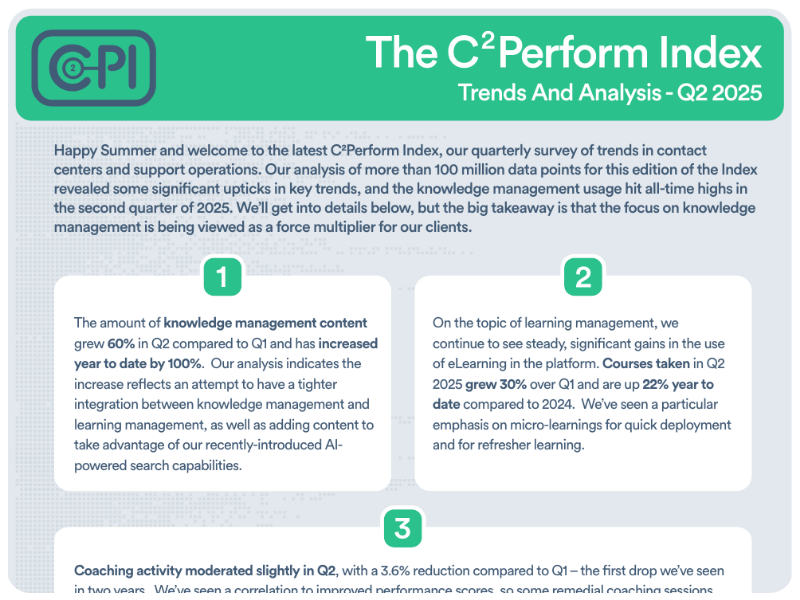
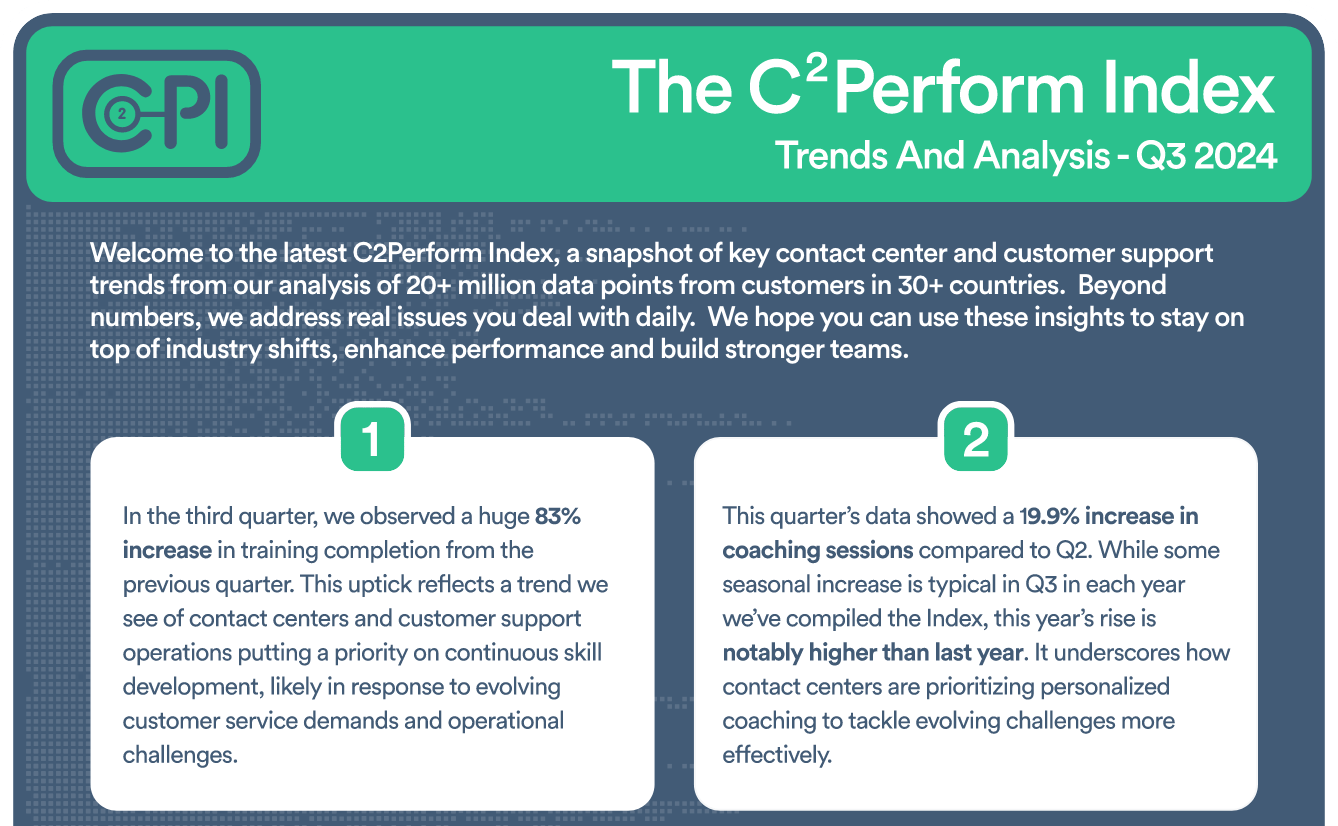
Insightful Analysis on Contact Center and Customer Support Trends

Check out our eBook, New Thinking About an Old Problem


Join contact center and customer support professionals around the world who can’t wait to see the C2PI every quarter.


300 Colonial Center Drive, Suite 100
Roswell, GA 30076
Copyright © 2026 C2Perform. All Rights Reserved. Privacy Policy Acceptable Use Policy